Embrace Making
XTool F1 / S1 Multi Jig and Circular Fixture Kit
Fits 17 machines · See compatibility
20% off 4+ fixtures, 25% off 8+
Mix and match any fixtures to fill your 2×2 grid. The fixture adapter for your machine is 20% off with 4 or more fixtures. Build a batch kit
Complete the setup
Choose options
Fits 17 machines · See compatibility
20% off 4+ fixtures, 25% off 8+
Mix and match any fixtures to fill your 2×2 grid. The fixture adapter for your machine is 20% off with 4 or more fixtures. Build a batch kit
Complete the setup
Fits 17 machines · See compatibility
20% off 4+ fixtures, 25% off 8+
Mix and match any fixtures to fill your 2×2 grid. The fixture adapter for your machine is 20% off with 4 or more fixtures. Build a batch kit
Complete the setup
Compatible machines 17 machines
F1-size fixture system
Every fixture is sized for the xTool F1. Bigger machines use a fixture adapter.
| Machine | How it fits |
|---|---|
| xTool F1 | Fits directly |
| xTool F2 | Fits directly |
| eufyMake E1 | With the eufyMake E1 Fixture FrameHolds 1 fixture centered, or 4 in a 2×2 grid where the bed allows. |
| xTool Omni O1 | With the xTool Omni O1 Mini Bed Fixture FrameHolds 1 fixture centered, or 4 in a 2×2 grid where the bed allows. |
| xTool P2S | With the Universal Magnetic Fixture AdapterHolds 1 fixture centered, or 4 in a 2×2 grid where the bed allows. |
| xTool P2 | With the Universal Magnetic Fixture AdapterHolds 1 fixture centered, or 4 in a 2×2 grid where the bed allows. |
| xTool D1 Pro | With the Universal Magnetic Fixture AdapterHolds 1 fixture centered, or 4 in a 2×2 grid where the bed allows. |
| xTool M1 Ultra | With the Universal Magnetic Fixture AdapterHolds 1 fixture centered, or 4 in a 2×2 grid where the bed allows. |
| xTool M2 | With the Universal Magnetic Fixture AdapterHolds 1 fixture centered, or 4 in a 2×2 grid where the bed allows. |
| xTool M1 | With the Universal Magnetic Fixture AdapterHolds 1 fixture centered, or 4 in a 2×2 grid where the bed allows. |
| Creality Falcon 2 | With the Universal Magnetic Fixture AdapterHolds 1 fixture centered, or 4 in a 2×2 grid where the bed allows. |
| Creality Falcon A1C | With the Creality Falcon A1C to F1 Fixture AdapterHolds 1 fixture centered, or 4 in a 2×2 grid where the bed allows. |
| Creality Falcon A1 | With the Universal Magnetic Fixture AdapterHolds 1 fixture centered, or 4 in a 2×2 grid where the bed allows. |
| Creality Falcon T1 | With the EM Jig System Universal AdapterHolds 1 fixture centered, or 4 in a 2×2 grid where the bed allows. |
| xTool F2 Ultra | With the EM Jig System Universal AdapterHolds 1 fixture centered, or 4 in a 2×2 grid where the bed allows. |
| xTool F1 Ultra | With the EM Jig System Universal AdapterHolds 1 fixture centered, or 4 in a 2×2 grid where the bed allows. |
| xTool S1 | With the Universal Magnetic Fixture AdapterHolds 1 fixture centered, or 4 in a 2×2 grid where the bed allows. |
UV Printing Fixtures
Specific fixtures made for UV printing. The objects inside the fixture must sit above the fixture and cannot sit inside of deep pockets.
| Machine | How it fits |
|---|---|
| xTool Omni O1 | With the xTool Omni O1 Mini Bed Fixture Frame |
| eufyMake E1 | With the eufyMake E1 Fixture Frame |
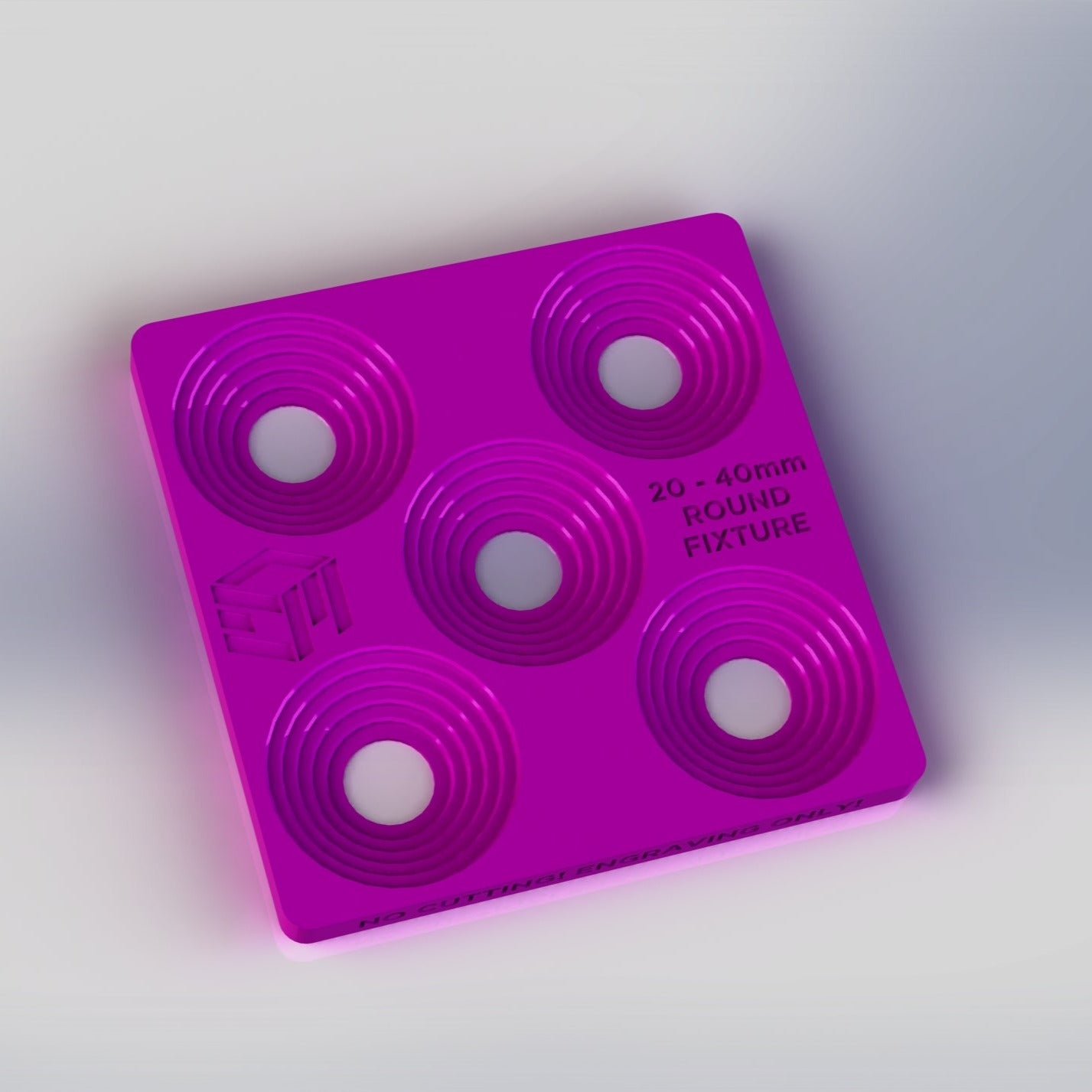
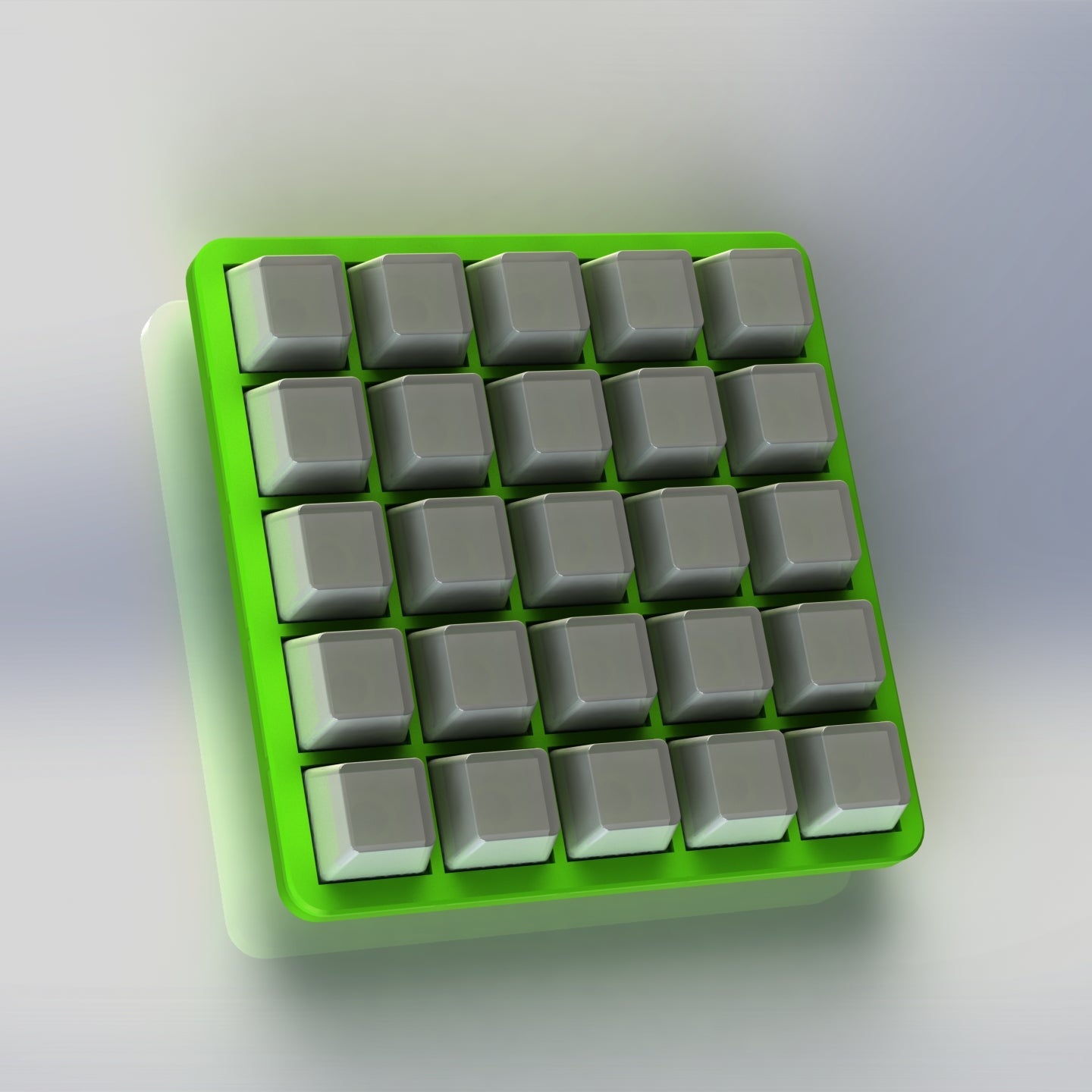
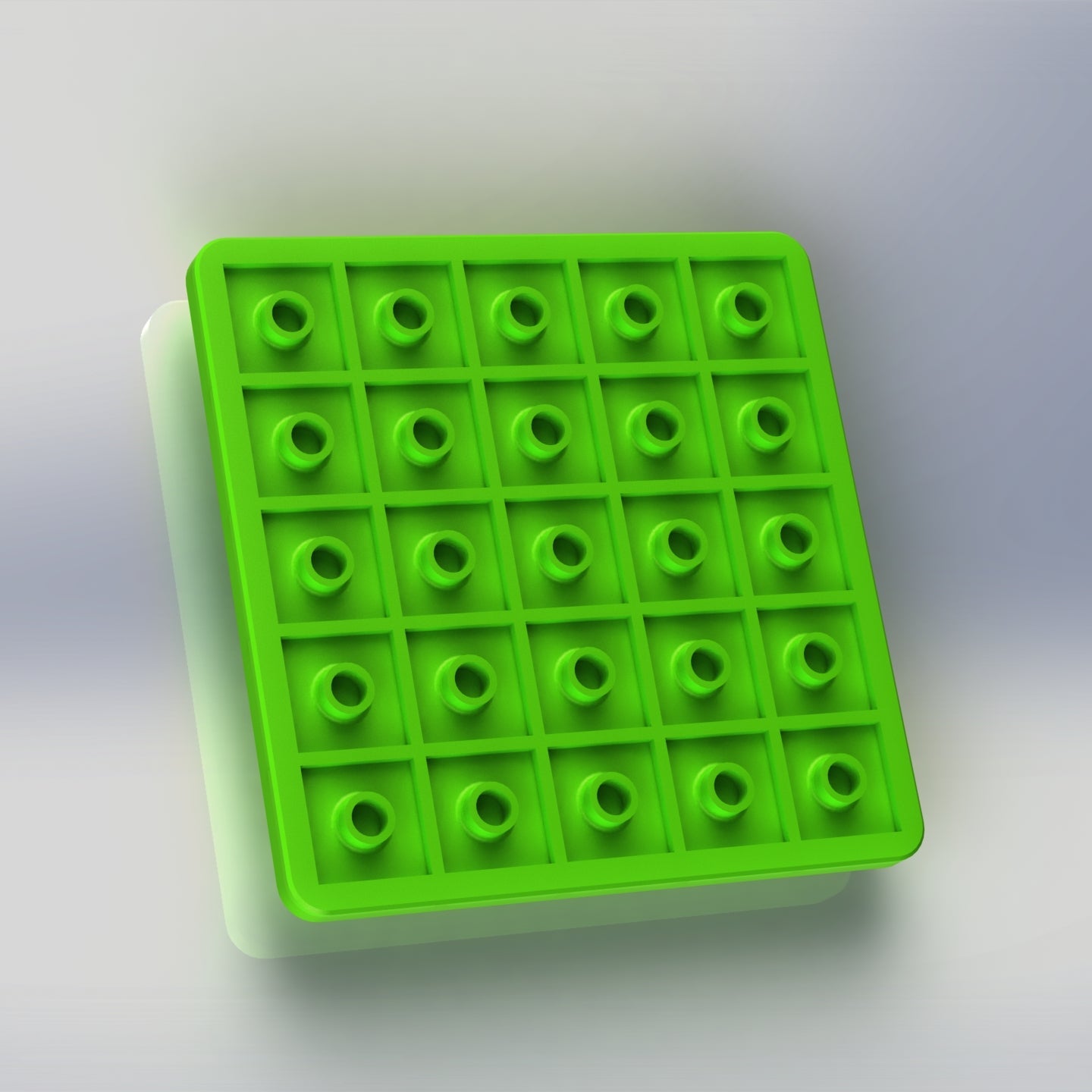
Note: The actual color of the physical parts is FLUORESCENT YELLOW (similar to the website / brand color theme). The colors in the pictures are to make the items more visible in the listing photos.
When using with metal materials on the high power F1/F2 ULTRA - use at your own risk. A lot of heat can be generated with the high power F1/F2 ULTRA when deep engraving or embossing metal materials and there is a risk of melting the fixtures.
Upgrade your XTool F1 (and S1) laser cutter and engraver with this two piece kit as seen in the video above and increase your production efficiency, accuracy and repeatability.
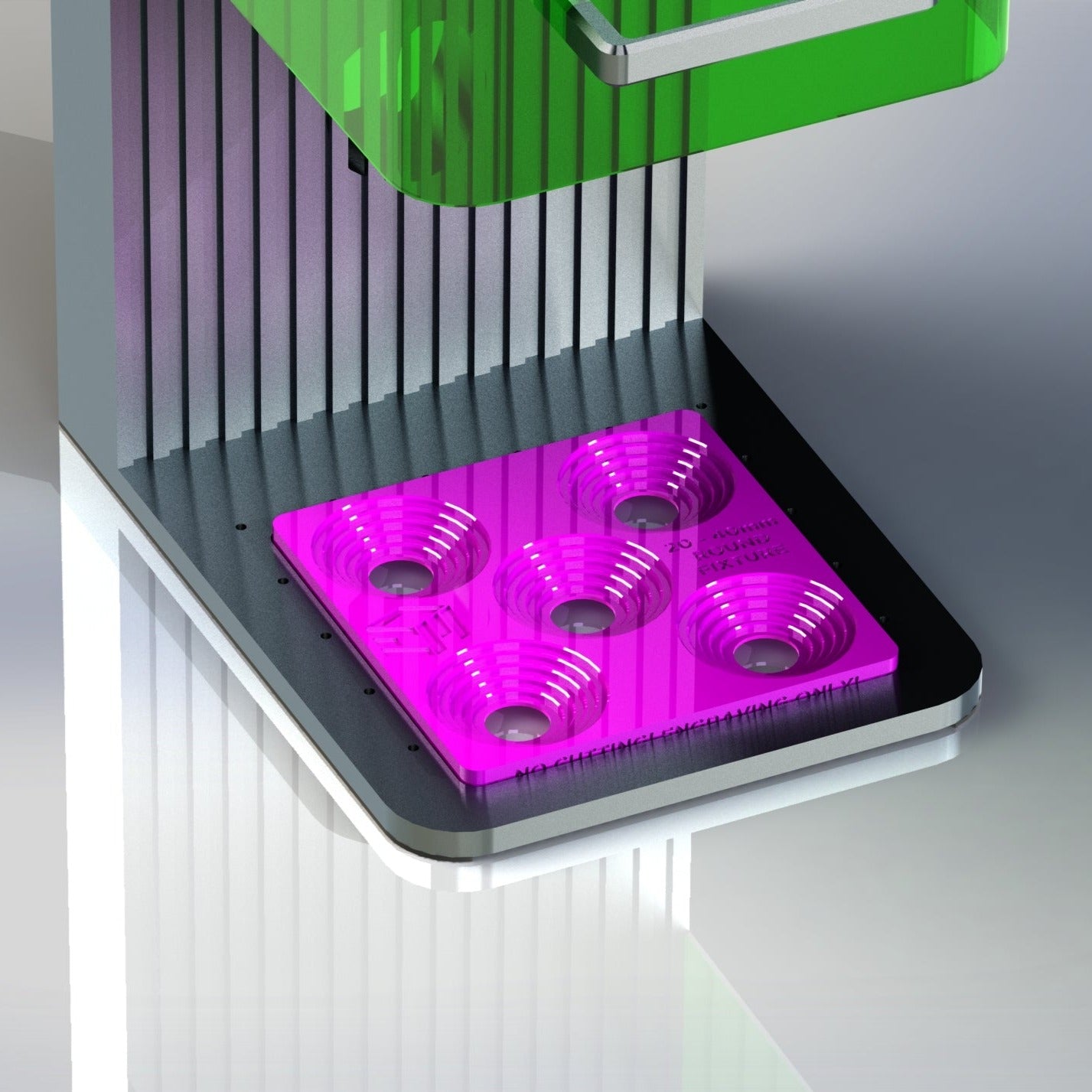
The XTool F1 is a very versatile and compact laser cutting and engraving machine with both blue diode and IR laser capabilities. Therefore you can process an enormous variety of materials. Therefore it is valuable to be able to quickly and accurately locate many different materials in a variety of shapes and sizes using easily swappable fixtures within the XTool frame.
However, locating the materials in physical space is only half the challenge. This kit also includes the corresponding digital files to load into XTool Creative Space software (or Lightburn). (Be sure to enter your email address on checkout to receive the files!) Then you can overlay your graphics so there is no more guess work when it comes to matching the position of your materials in physical space and in the software workspace.
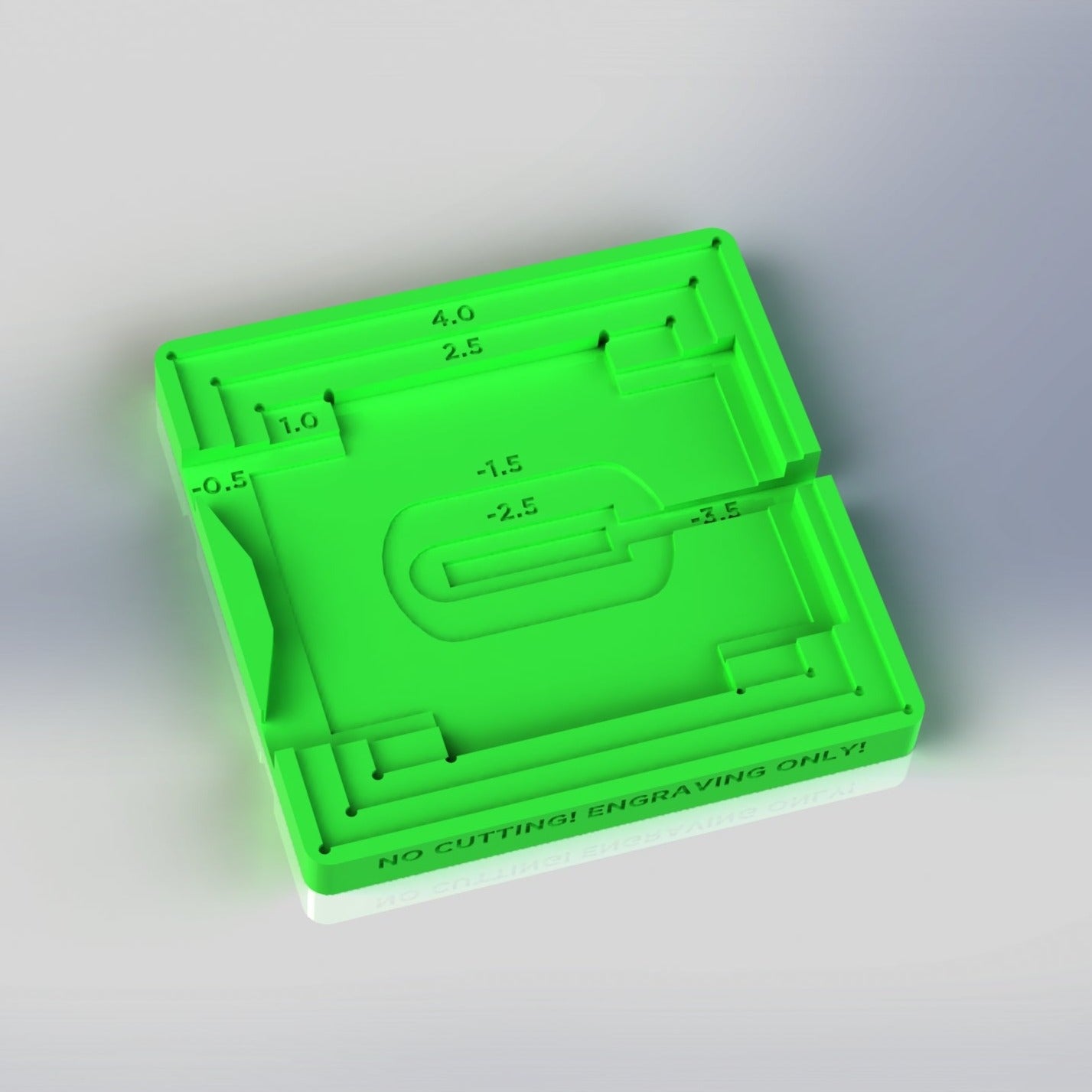
Additionally, the depth of the locating pockets is clearly marked for easily calculating the focal length to enter into XTool Creative Space for the F1 autofocusing.
See the above video for an in-depth explanation of how the fixture system works with the digital file and depth calculation. It is very quick and easy. The video also contains example settings for best results processing these materials.
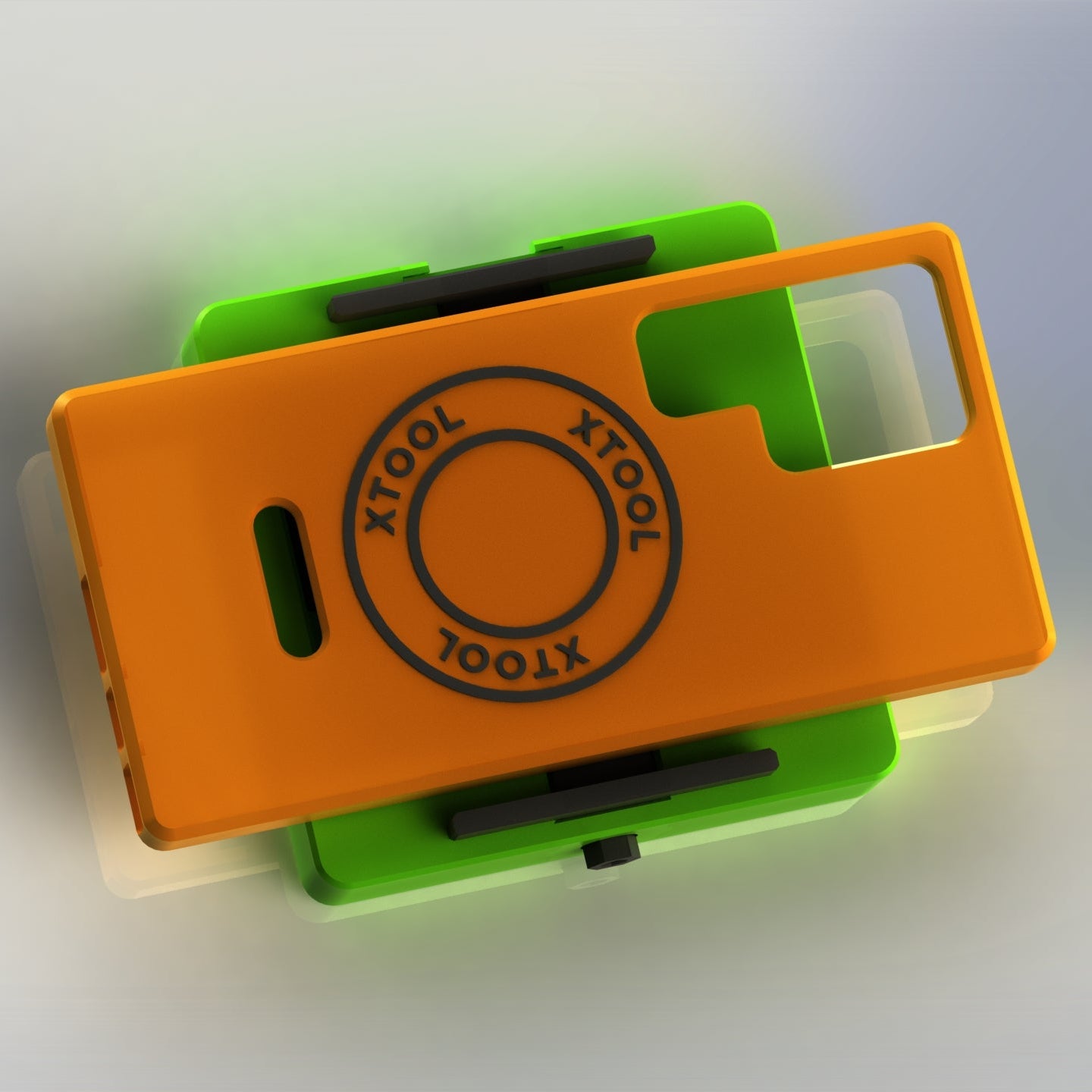
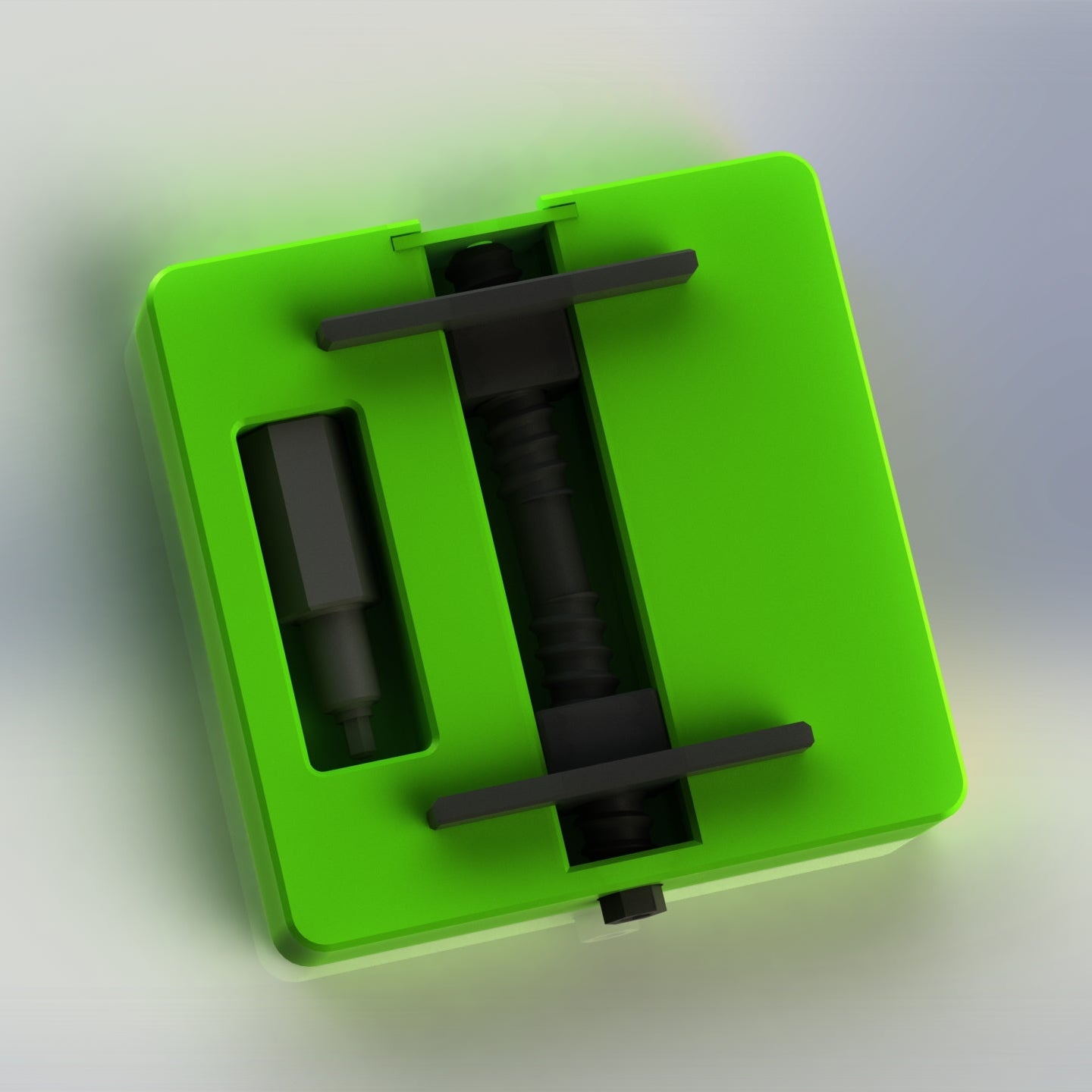
The first fixture is a 9-in-1 jig that holds the following types of popular materials. Links to materials can be found at the bottom of this listing.
- 5x5x30 Hanging Pendant (XTool materials)
- Common Metal USB Thumb-drive
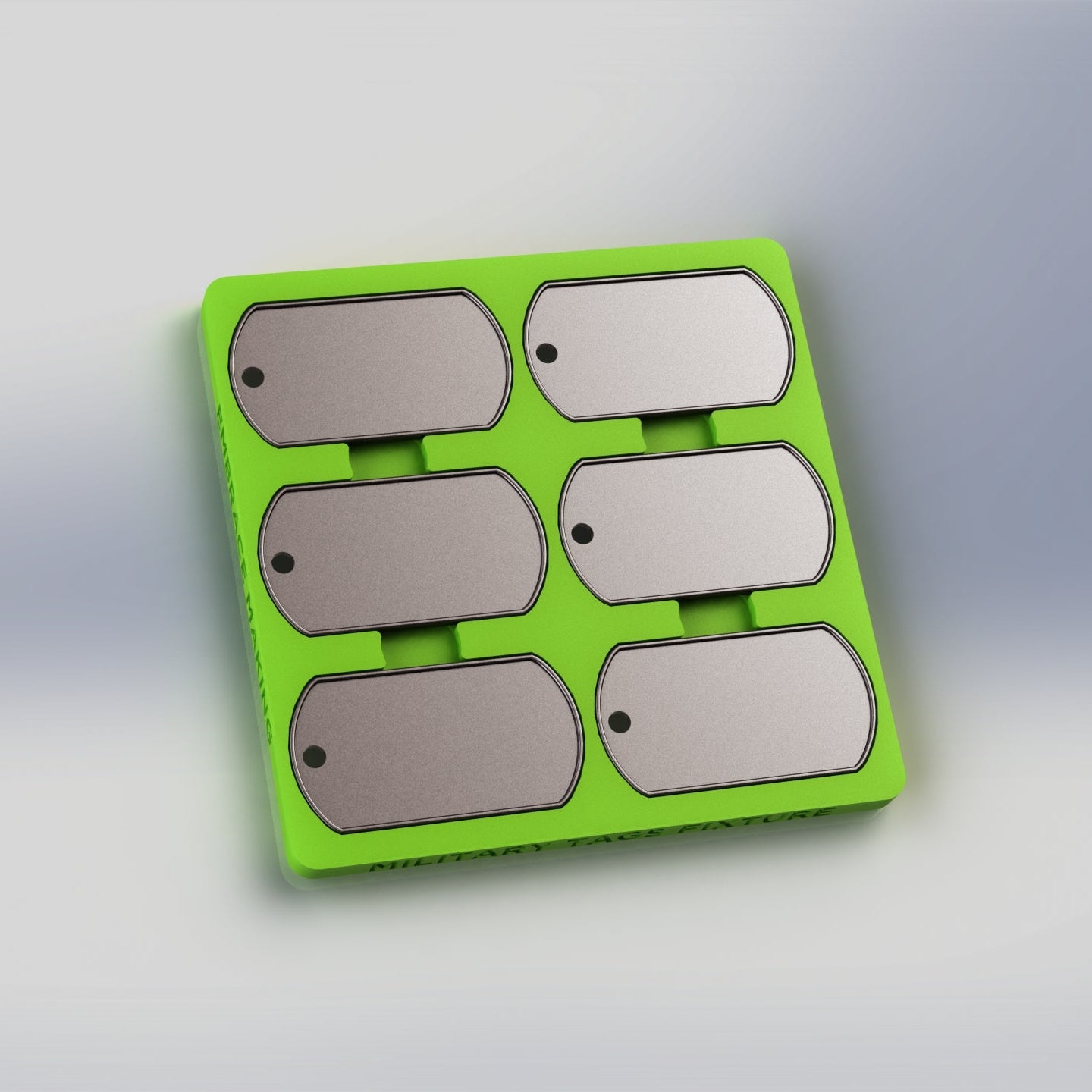
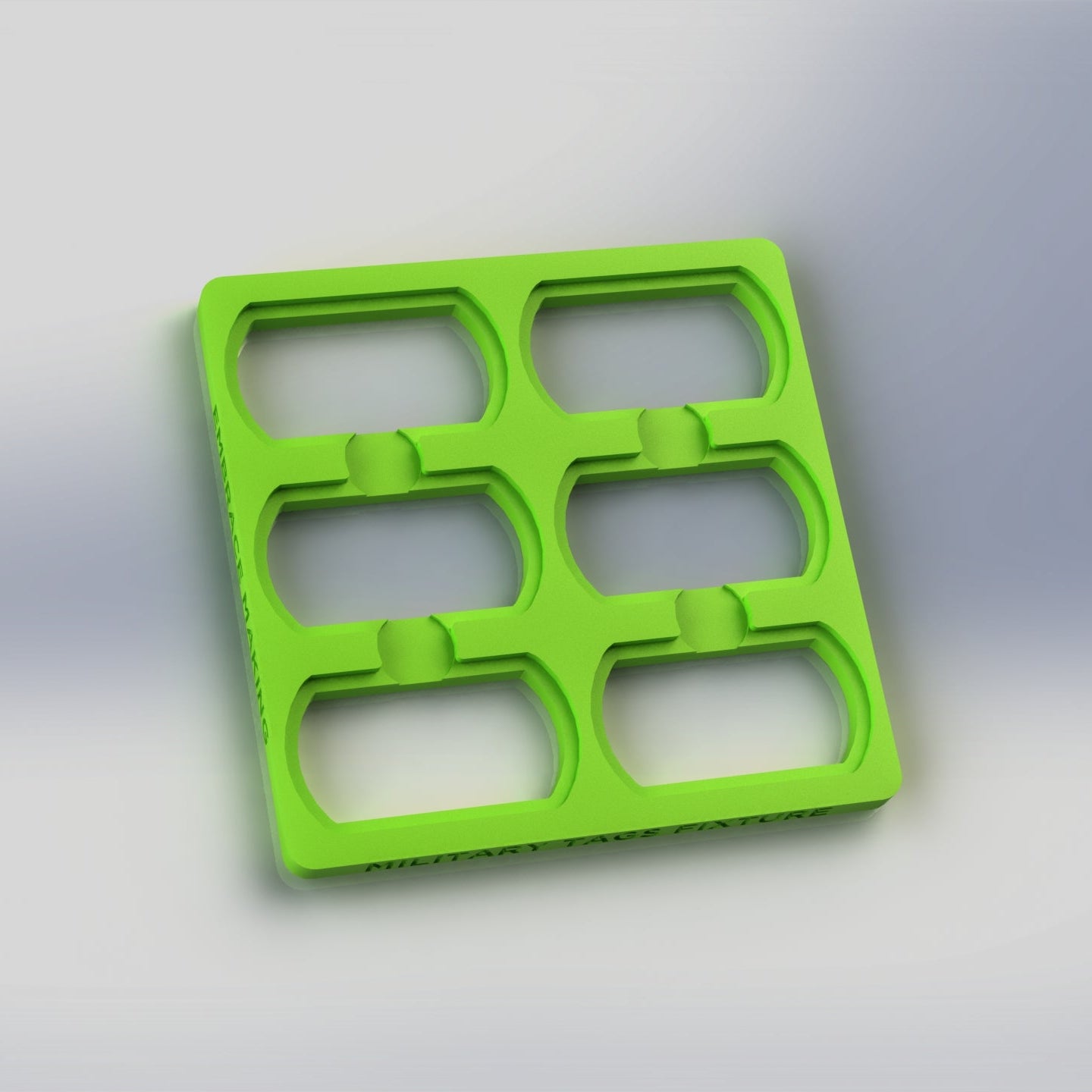
- Military Tag
- Metal Business Card (XTool materials)
- 3" x 2" Rectangular Leather Patch
- Aluminum Wallet (Ridge Style 86mmx54mm)
- 3" x 3" Square (Coaster, Patch, etc.)
- 3.5" x 3.5" Square (Coaster, Patch, etc.)
- 4" x 4" Square (Coaster, Patch, etc.)
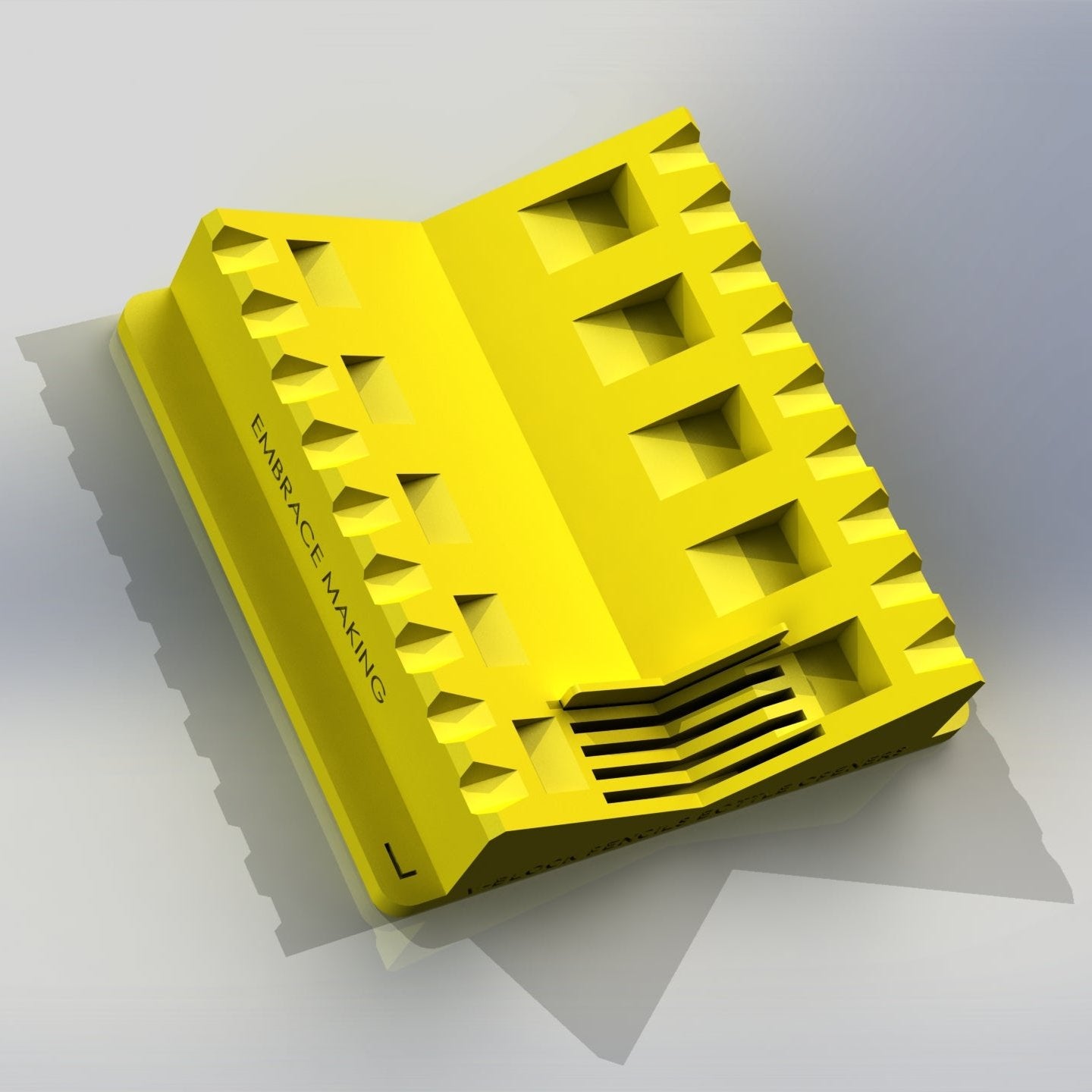
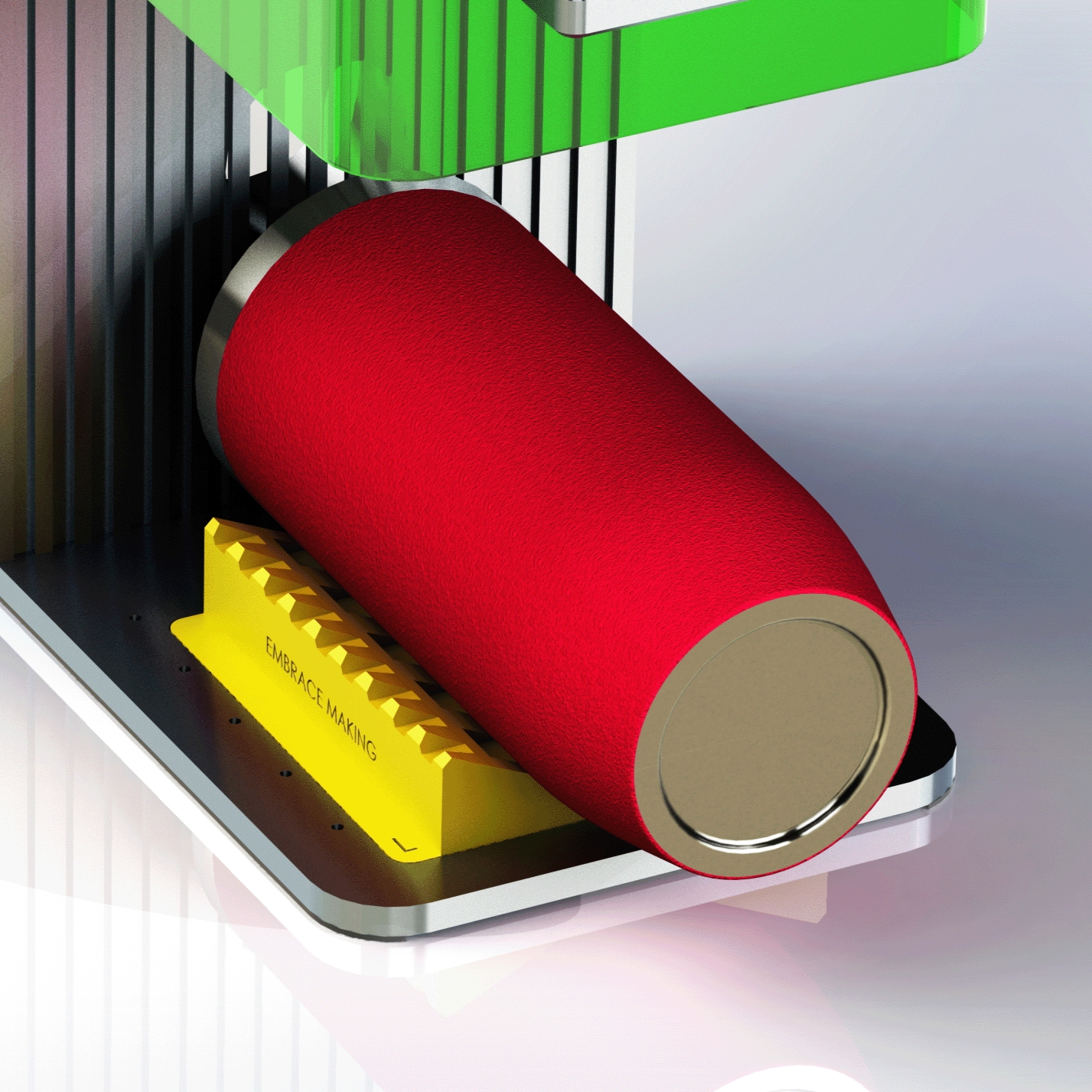
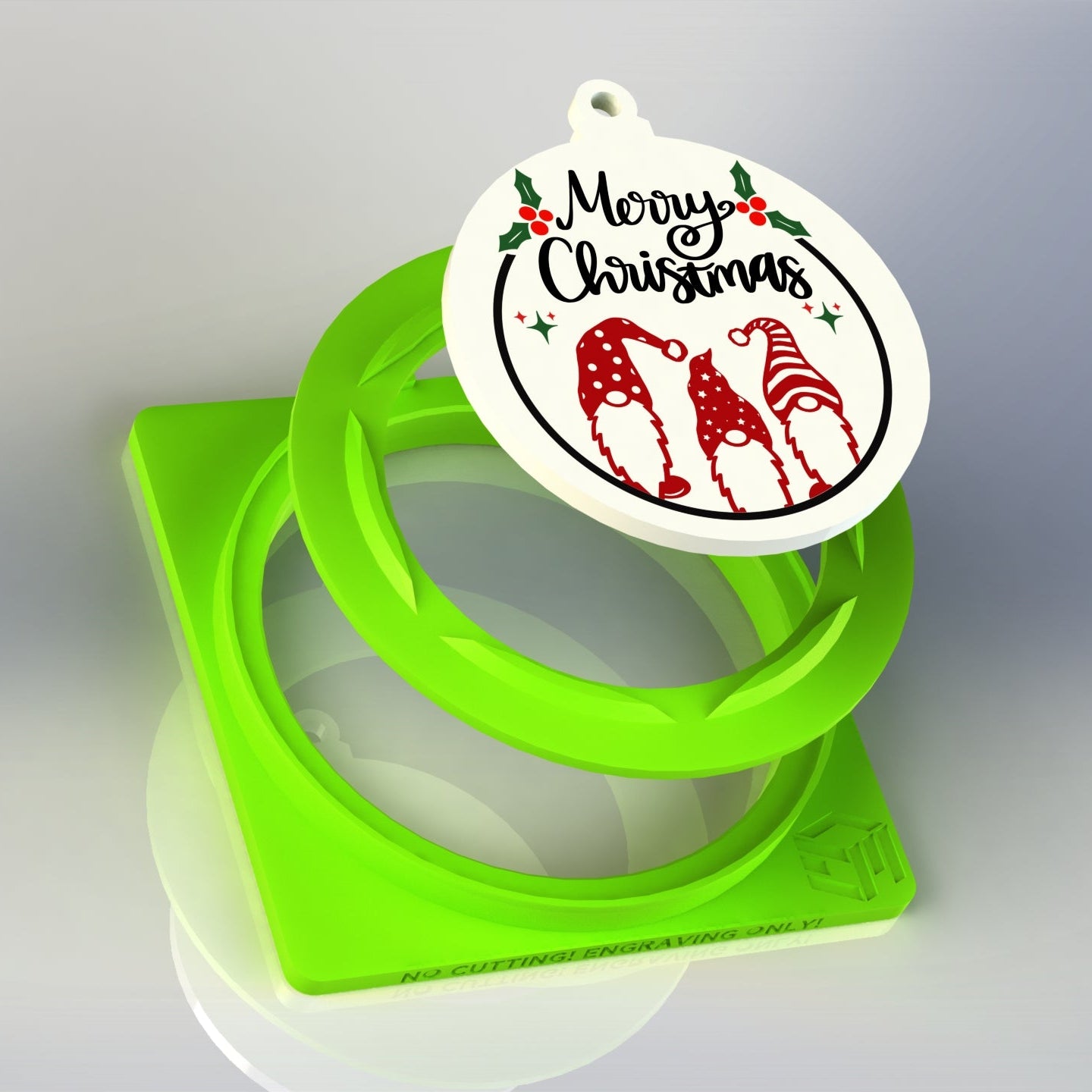
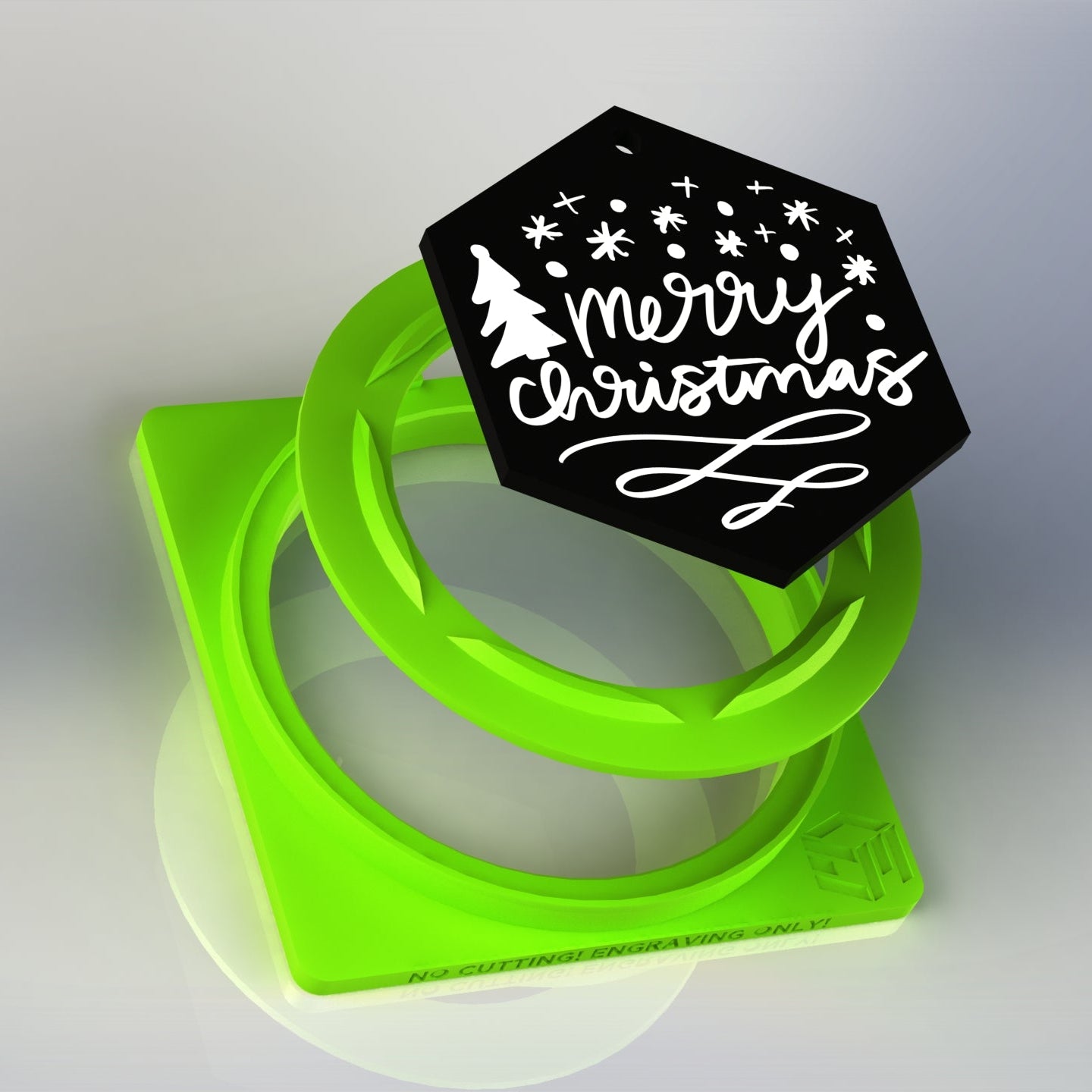
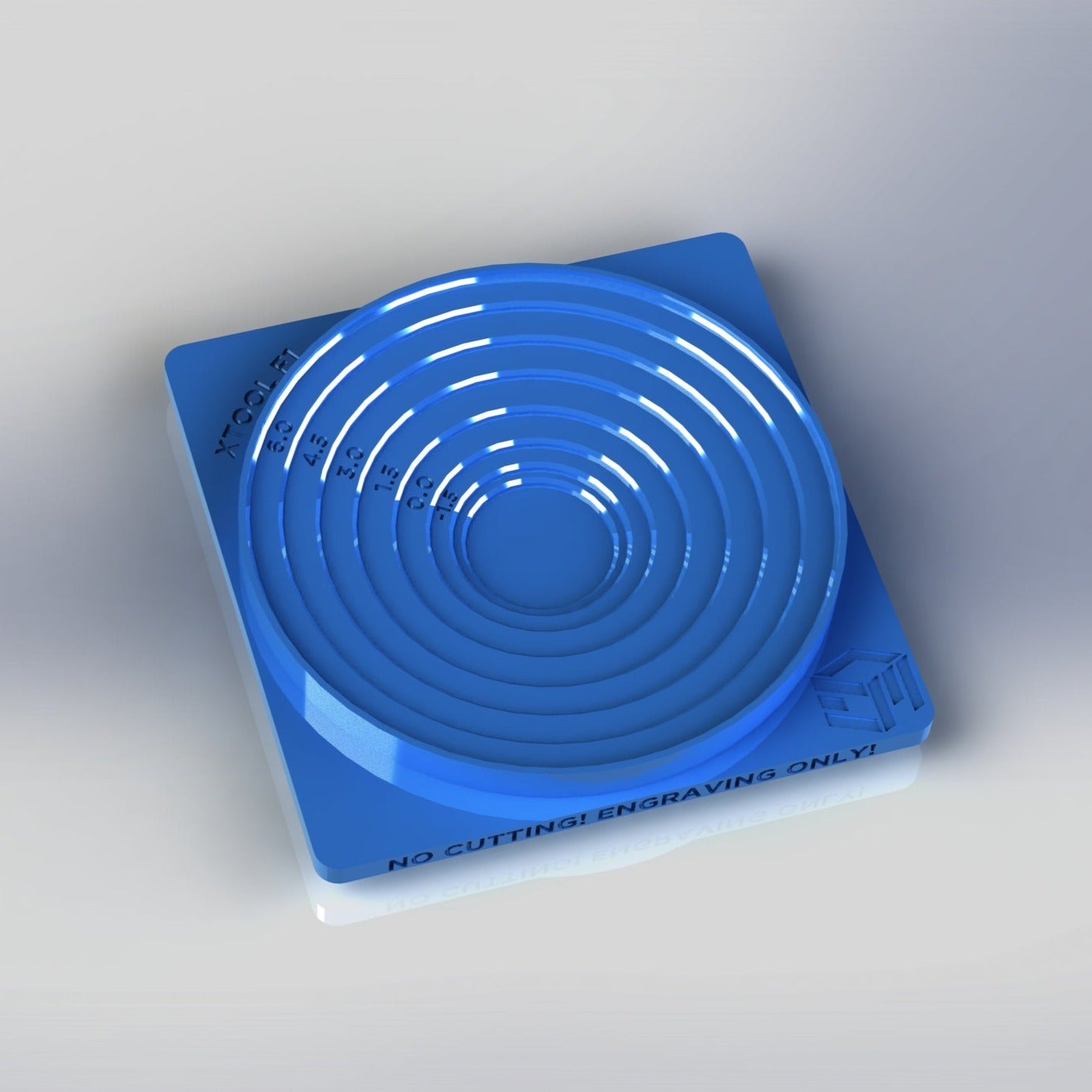
The second fixture is a 8-in-1 jig that holds eight different size circular objects. The circular pockets have chamfered edges to locate circular objects with close dimensions even if they do not fit exactly in the pockets. If you have to move to the next size pocket you can still use those edges to visually center your work piece much easier than with no fixture at all.
- 1" (~25mm)
- 30mm (ie. AirTag, XTool Round Tag)
- 1.5" (~38mm)
- 2" (~50mm)
- 2.5" (~64mm)
- 3" (~76mm) (ie. XTool Round Leather Patch)
- 3.5" (~89mm)
- 4" (~102mm)
What is included:
- 9-in-1 Multi Jig
- 8-in-1 Circular Jig
- Digital Files
Examples of some compatible materials below. There are many more but these are just examples. As an Amazon Associate I earn from qualifying purchases (at no extra cost to you):
- XTOOL F1 ULTRA
- XTOOL Air Purifier 2
- XTOOL Inline Fan 2
- XTOOL 6 inch Inline Duct Fan (with 4inch adapter)
- XTOOL RA2 PRO
- XTOOL F1
- XTool F1 + Smoke Purifier Bundle
- XTool Vertical Bar Pendant Necklace
- XTool Round Tag
- Metal USB Thumb Drive
- Military Tags
- XTool Metal Business Cards
- XTool 3" x 2" Leatherette Patch
- Aluminum Wallets (Example 1) (Example 2) (Example 3)
- XTool 3" Round Leatherette Patch
These fixtures can be adapted to fit the XTOOL F1 ULTRA with this adapter:
In addition to the XTOOL F1 - these jigs can be used in a similar way with the XTool S1. Although the S1 does not have a pocket for them to sit, they make material alignment very easy with the S1's "two point positioning" system - especially with round or oddly shaped objects.
- Place the fixture and your material in the work space. Use the focus probe to touch down on your work piece.
- Capture the top left and bottom right corners of these fixtures using the two point positioning.
- Import the digital templates into XTool Creative Space. Align the templates with the bounding box created with the two point positioning measurement.
- Overlay your design onto the corresponding area of the fixture and set your material parameters.
- Process.
If you purchase multiple fixtures you can panelize them in your workspace to batch process materials for efficiency.
Canada